Tic-Tac-Toe only using HTML and CSS -- can it be done?
Building a JavaScript-Free Tic-Tac-Toe Game
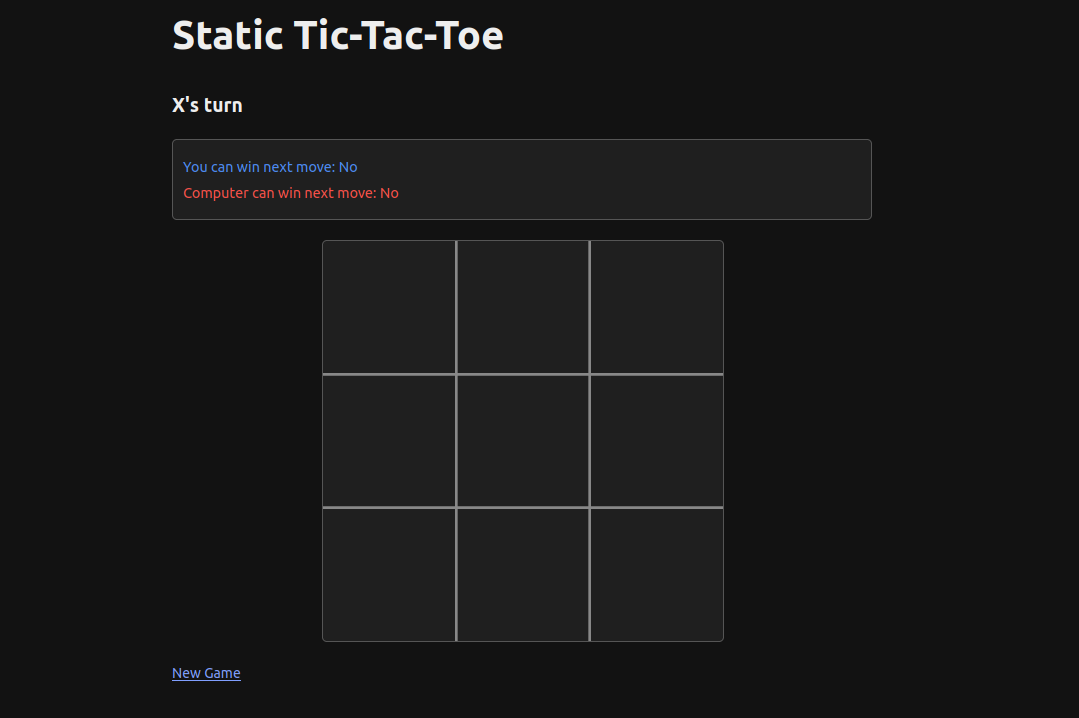
Most web-based games rely heavily on JavaScript for interactivity. But what if we could create a fully functional game using only HTML and CSS? In this post, I’ll share how I built a complete Tic-Tac-Toe game without a single line of JavaScript.
The Challenge
I set myself a challenge: implement Tic-Tac-Toe as a completely static website. No JavaScript allowed. At first glance, this might seem impossible - how do you handle player moves and computer responses without any client-side logic?
The answer lies in a clever approach using pre-computed game states and simple hyperlinks.
The Solution: Pre-computed Game States
Tic-Tac-Toe is a “solved game” meaning that all possible moves are known – there are only so many possible places that both X and O can go that are legal. If we pre-compute every possible game state and link them together appropriately, we can create the illusion of a dynamic game using only static HTML files.
Here’s how it works:
- Each possible board configuration gets its own HTML file
- Each empty cell contains a link to the corresponding board state after a move
- The computer’s move is handled with an automatic redirect to the next state
STARTING BOARD (index.html)
                          [ | | ]
                          [ | | ]
                          [ | | ]
                              |
            +-----------------+------------------+
            |                 |                  |
            v                 v                  v
   PLAYER CHOOSES CORNER   CENTER              EDGE
   [X| | ]                 [ | | ]            [ |X| ]
   [ | | ]                 [ |X| ]            [ | | ]
   [ | | ]                 [ | | ]            [ | | ]
      |                       |                  |
      v                       v                  v
 COMPUTER RESPONDS    COMPUTER RESPONDS   COMPUTER RESPONDS
   [X| | ]                 [O| | ]            [ |X| ]
   [ |O| ]                 [ |X| ]            [ |O| ]
   [ | | ]                 [ | | ]            [ | | ]
      |                       |                  |
      v                       v                  v
 PLAYER%CONTENT%#39;S NEXT MOVE    PLAYER%CONTENT%#39;S NEXT MOVE  PLAYER%CONTENT%#39;S NEXT MOVE
   [X| |X]                 [O| |X]            [ |X| ]
   [ |O| ]                 [ |X| ]            [ |O| ]
   [ | | ]                 [ | | ]            [X| | ]
      |                       |                  |
      v                       v                  v
        +--------------------+-------------------+
        |                                        |
        v                                        v
   GAME CONTINUES...                        GAME CONTINUES...
        |                                        |
        v                                        v
   +---------+------------+            +---------+------------+
   |         |            |            |         |            |
   v         v            v            v         v            v
 X WINS    O WINS       DRAW        X WINS    O WINS       DRAW
[X|X|X]   [O|O|O]      [X|O|X]     [X|X|X]   [O|O|O]      [X|O|X]
[ |O| ]   [X| | ]      [O|X|O]     [ |O| ]   [X| | ]      [O|X|O]
[ | | ]   [ |X| ]      [X|O|X]     [ | | ]   [ |X| ]      [X|O|X]
Building the Game Generator
To create all the necessary HTML files, I wrote a Python script that:
- Generates all possible game states
- Applies the optimal computer strategy
- Creates HTML files for each state
- Links them together correctly
The script implements the computer’s strategy to ensure that it always makes optimal moves:
- Win if possible
- Block the player from winning
- Take the center if available
- Take a corner if available
- Take any available edge
Handling State Transitions
For the player’s turn, each empty cell contains a link to another HTML file representing the board after that move. When the player clicks a cell, they navigate to the new board state.
For the computer’s move, I use a meta-refresh tag to automatically redirect to the next board state after a brief pause:
<meta http-equiv="refresh" content="0.5;url=next-board-state.html">This creates the illusion of the computer “thinking” before making its move.
Optimizations
Tic-Tac-Toe has 5,478 legal board configurations, but many of these are either rotations or reflections of one state; you can get the same game state for a given move by rotating the board 90 degrees, 180 degrees, 270 degress, or reflecting these rotations. By taking advantage of rotational and reflective symmetry, we can reduce this to around 765 unique configurations.
Additionally, with optimal play, many branches of the game tree are never reached. My final implementation generates only the states that can actually occur in gameplay, further reducing the file count to only 591 HTML files!
Styling the Game
The game uses a simple SVG-based board with lines and shapes for X’s and O’s. CSS provides visual feedback when hovering over cells and indicates the game status. This reduces the storage size of the game to 3.4 MB since no images need to be stored, only text.
Perfect Play Analysis
An interesting side effect of this project was confirming that Tic-Tac-Toe is indeed a “solved game.” With optimal play from both sides, the game always ends in a draw.
I generated an analysis of all possible game outcomes, which revealed:
X can never win against a perfect O player
The game will always end in a draw with optimal play
O can win if X makes suboptimal moves
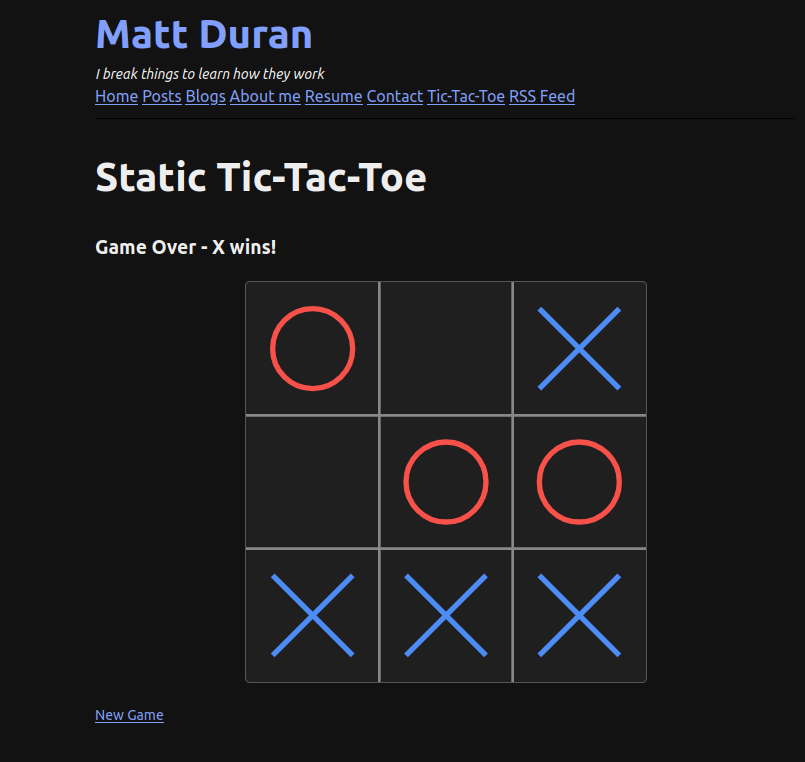
All this to say, you absolutely can win and here is proof!
Conclusion
While this approach wouldn’t work for more complex games with larger state spaces, it’s a fun exercise to see what is possible. Try the game yourself and see if you can beat the computer – there are five possible win states for X!